Prioritization, exclusive experiences, and source editing
February 5, 2024
More control over which experiences show, and when.
AI skillsUI & components
- It is now possible to join an audience when closing a component. This way you can be certain that the viewer has seen the message and you can opt for showing a different component next time.
- When checking the sources used in a response while at the conversation detail view, you now see an edit button making it easier to quickly make updates to a source when applicable.
- When the end-user selects an option during a conversation (eg. a follow-up question or an action) the options provided will no longer disappear.
Prioritization and exclusive experiences
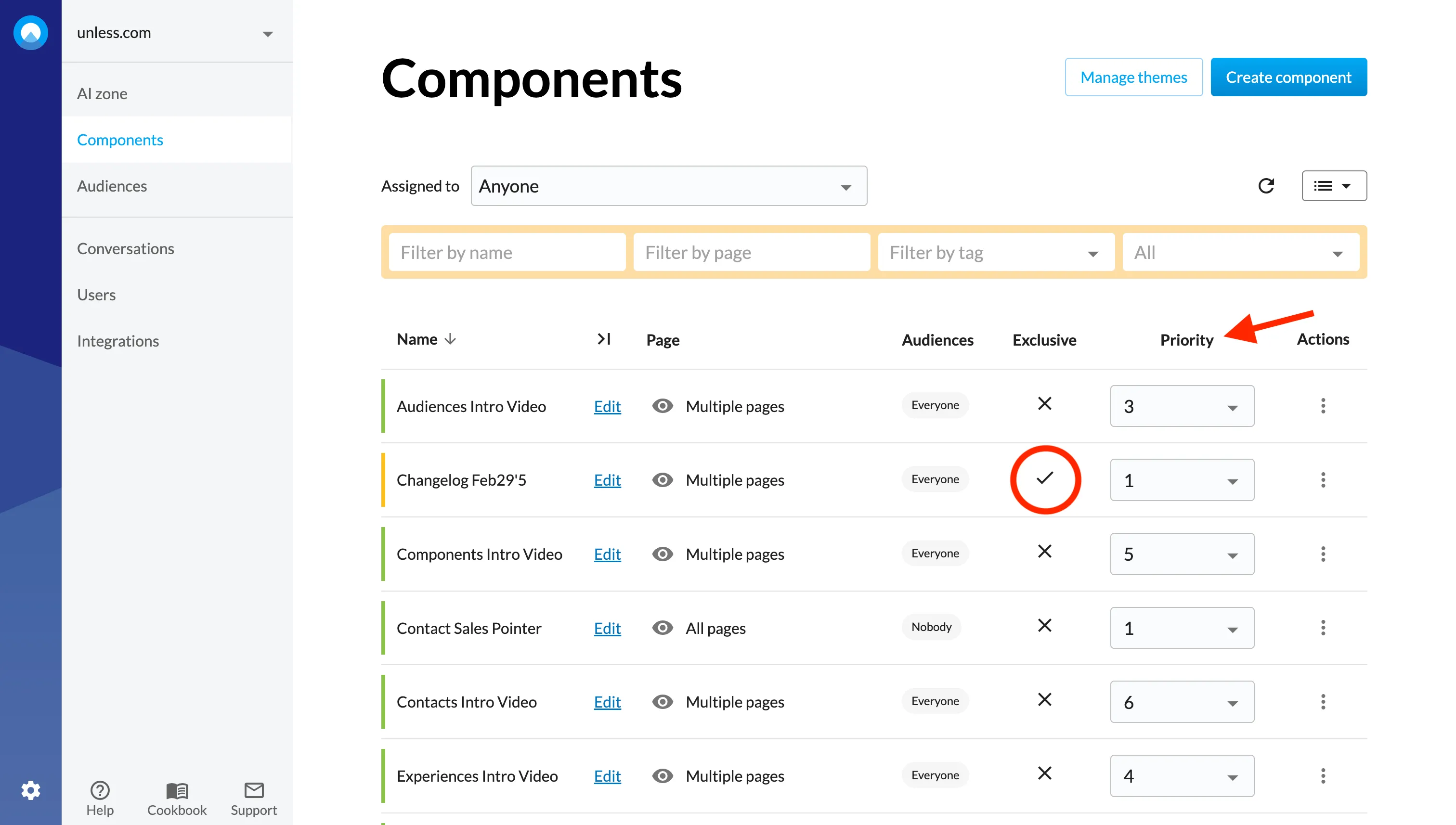
The prioritization tab has been removed but you can still prioritize your experiences under advanced settings.
The priority number determines when to load the experience compared to the other eligible experiences. Priority 1 is the highest. Priority 25 the lowest. When viewing the experiences list, you can see the prioritization at a glance and change the priority order on the spot.
Additionally, you can now set exclusive experiences. When setting the experience to exclusive, it will be the only experience that can be shown to the visitor. Exclusive experiences are always shown first.